

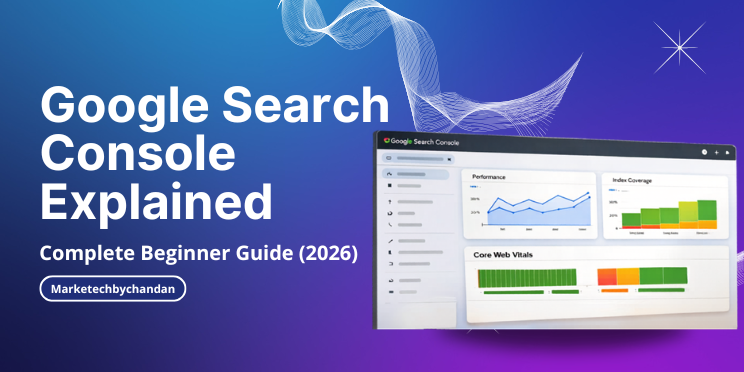
If you want to grow your website traffic from Google, understanding Google Search Console (GSC) is essential.
It helps you track performance, fix issues, and improve rankings all for free.
What is Google Search Console/Google Webmaster?
GSC is a free tool by Google that allows you to monitor your website’s presence in search results.
It helps you understand:
- Which keywords bring traffic
- Which pages are ranking
- What errors affect SEO
Why Google Search Console is Important?
- Track keyword performance
- Identify ranking opportunities
- Fix indexing issues
- Improve technical SEO
How GSC Works
It works in 3 steps:
- Crawling
- Indexing
- Ranking
Key Features of GSC
When it comes to improving your website’s visibility on search engines, Google Search Console plays a crucial role. It helps website owners understand how their site is performing in Google Search and provides valuable insights to fix issues and optimize content. From tracking keyword rankings and indexing status to identifying technical errors and improving overall SEO performance, this tool offers everything needed to grow organic traffic. In the following points, I’ll explain the key features of Google Search Console in a simple and practical way.
| Feature | Details |
|---|---|
| Performance Report | Shows: • Clicks • Impressions • CTR • Average Position |
| Index Coverage | Shows: • Indexed pages • Errors (404, noindex) |
| URL Inspection Tool | Check: • Page indexing status • Request indexing |
| Sitemap Submission | Submit XML sitemap to Google |
| Core Web Vitals | Track: • Page speed • User experience |
How to Set Up Google Search Console
- Go to Google Search Console
- Add your website
- Verify ownership
- Submit sitemap
Conclusion
Google Search Console is a must-have tool for anyone serious about SEO.
It gives real insights directly from Google and helps improve rankings step by step.

Yes, it is completely free to use.
Usually 2–3 days after setup.
Yes, it is beginner-friendly and essential for SEO.