

If you’re trying to delete a folder in Canva but nothing is happening — you’re not alone. This is a common issue faced by many users, especially beginners and team users.
In this guide, you’ll learn why Canva doesn’t allow folder deletion and how to fix it step-by-step without wasting time.
Why You Can’t Delete a Folder in Canva
Before jumping to solutions, it’s important to understand the root cause.
Here are the most common reasons:
- The folder is not empty
- You don’t have permission (shared/team folder)
- You’re trying from the wrong section
- Temporary glitch or browser issue
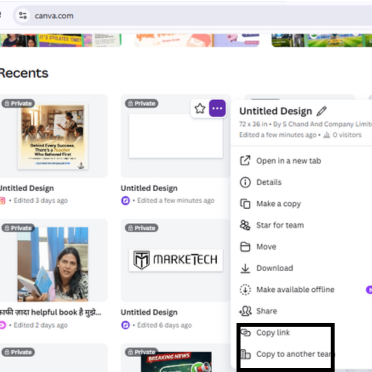
Fix 1: Empty the Folder First
Canva does not allow deletion of folders that contain files.
Steps:
- Open the folder
- Select all designs
- Move them to another folder or delete them
- Try deleting the folder again
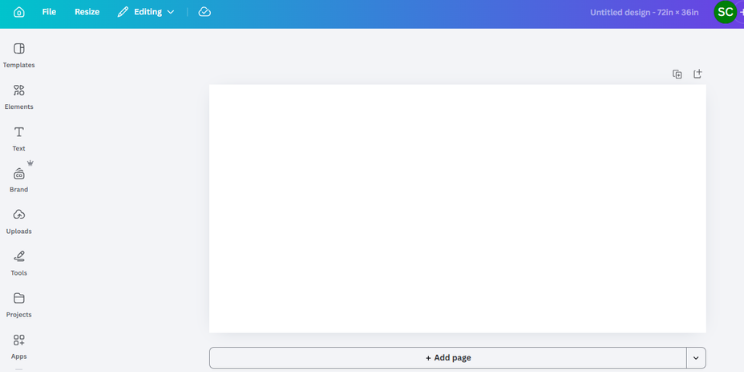
Fix 2: Check Folder Ownership
If the folder is shared, only the owner can delete it.
What you can do:
- Ask the owner to delete it
- Or leave the folder if it’s not needed
Fix 3: Delete from “Projects” Section
Many users try deleting from the wrong place.
Correct Method:
- Go to Projects
- Click on Folders
- Hover over the folder
- Click 3 dots (⋮)
- Select Delete
Fix 4: Refresh or Use Incognito Mode
Sometimes, the issue is just a temporary glitch.
Try this:
- Refresh the page
- Open Canva in incognito mode
- Try a different browser
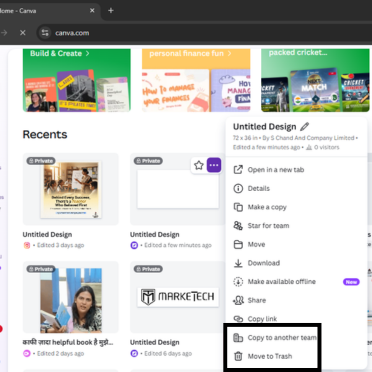
Fix 5: Use Canva Mobile App
Interestingly, some users report that deletion works on mobile even when it fails on desktop.
Fix 6: Clear Browser Cache
Old cache files can block actions.
Steps:
- Clear browser cache
- Restart browser
- Login again
Fix 7: Logout & Login Again
A simple session reset can fix hidden bugs.
Pro Tip
If you frequently manage folders, keep your workspace organized by:
- Naming folders properly
- Avoiding unnecessary duplication
- Regular cleanup
This improves workflow and reduces such errors.
The “Can’t delete folder in Canva” issue is usually caused by simple reasons like permissions or non-empty folders.
By following the steps above, you can fix the issue within minutes and keep your workspace clean and efficient.
FAQs
You cannot delete a folder in Canva if it contains files or if you don’t have permission to delete it.
Go to Projects → Folders → Click 3 dots → Delete (ensure folder is empty).
No, only the folder owner can delete shared folders.
Try refreshing, clearing cache, or using incognito mode.
This issue is commonly faced by Canva users in India working on shared team projects, especially in agencies and educational setups.